
Not every old photo can be saved. Some are too far gone. But a lot of the ones people think are hopeless actually have more in them than they look like at first glance.
These five signs tell you whether a photo is worth trying. They're based on what we see customers upload, not on what's technically possible in a lab.
1. You can still see a face
This is the single strongest signal. If the eyes, nose, mouth, hairline, and outline of the face are still readable — even soft, even faded — the AI has something real to work with.
It doesn't need to be sharp. It needs to be a face.
2. The damage isn't across the most important parts
Scratches, stains, folds, and tears are common, and most of them can be reduced. The result is best when the damage crosses background, clothing, or the edges.
When a scratch cuts across a face, restoration can still help, but the result is an approximation. When a chunk of the face is missing entirely, the model is filling in plausibly. Sometimes it works. Sometimes it doesn't.
3. The photo is faded, not blank
Fading is one of the most common issues with old prints, and one of the easiest to fix. A photo can look completely washed out and still contain recoverable detail in the highlights and shadows.
If you can still make out the people, the clothing, and the scene when you squint, there's a good chance the AI can pull the contrast back.
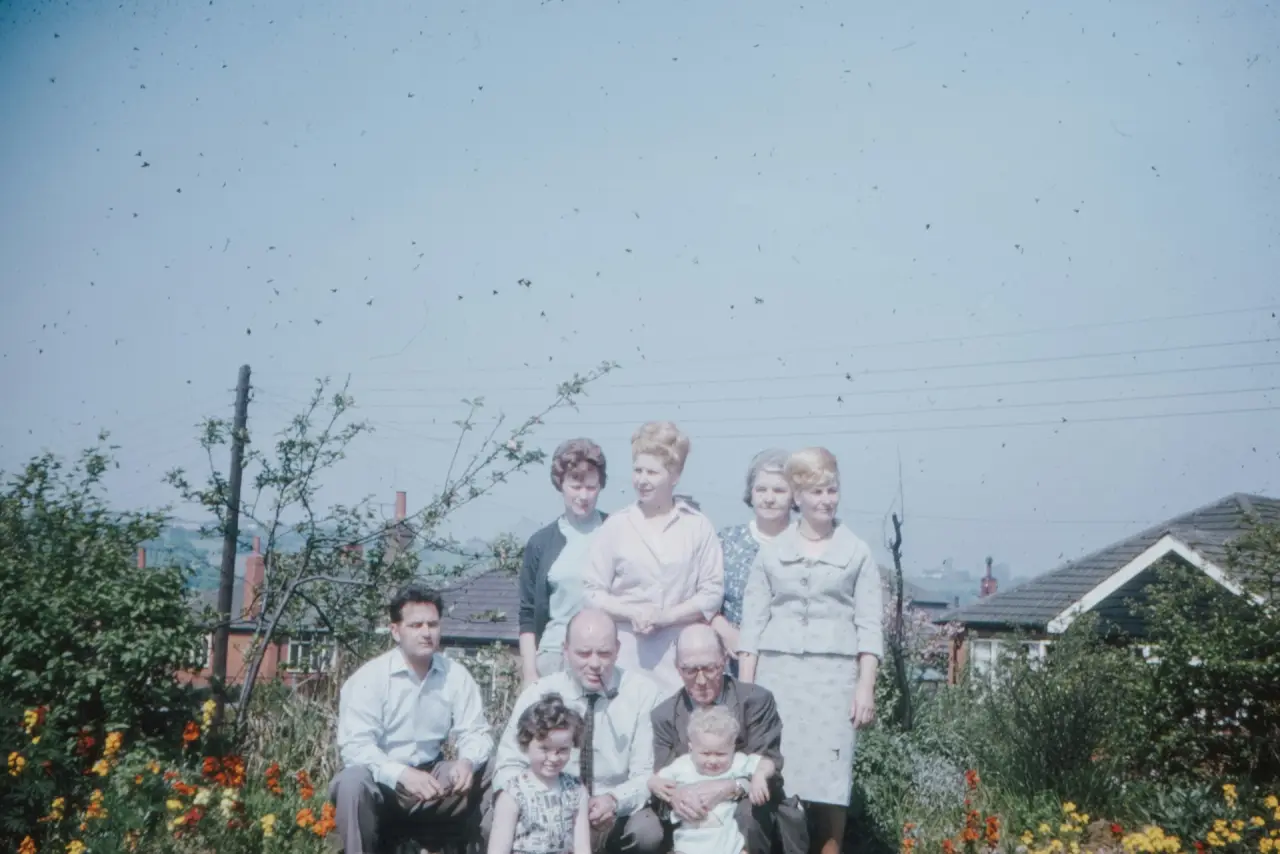
4. The image is soft, not smeared
Soft scans and out-of-focus old portraits are usually recoverable. The shapes are still there — the AI just has to sharpen and clarify them.
A photo that's a uniform smear of tones, with no clear structure to anchor on, is harder. No tool can reconstruct what's not there.
5. You can get a better capture
Sometimes the photo is restorable but the file is the problem. A faded, scratched print scanned at 150 DPI is a worse starting point than the same print scanned at 600 DPI on a flatbed.
Before giving up, try rescanning. Use even light, keep the print flat, capture the full image, and avoid reflections. A better source file can turn a mediocre restoration into a good one.
What to do before uploading
Don't pre-edit. Heavy sharpening, Instagram-style filters, and aggressive JPEG compression all remove information the AI could have used.
Upload the cleanest file you have. If parts of the photo matter more than others — a face, a handwritten note, a piece of clothing — start your comparison there. The model works on the whole image, but the parts you care about are the parts worth checking.
When it's still worth trying even if some signs fail
Family photos aren't held to the same standard as art prints. A face that becomes recognizable when it wasn't before. A scratch that disappears. A portrait that's printable where the original wasn't. Any of these is a real win.
If the photo matters to you, it's worth a try.
Open the restoration toolFor the full workflow from scan to saved file, see how to restore damaged old photos. For background on what the tool is doing under the hood, how AI photo restoration works.